Product Updates
Borrowing AvatarKit: Using an iPhone as a Rendering Peer for a Mac App
AvatarKit only exists on iOS. So I built a tiny sidecar app that renders the avatar on a phone and streams it to a Mac over the local network. Notes on what worked, what didn't, and why the pattern generalises.
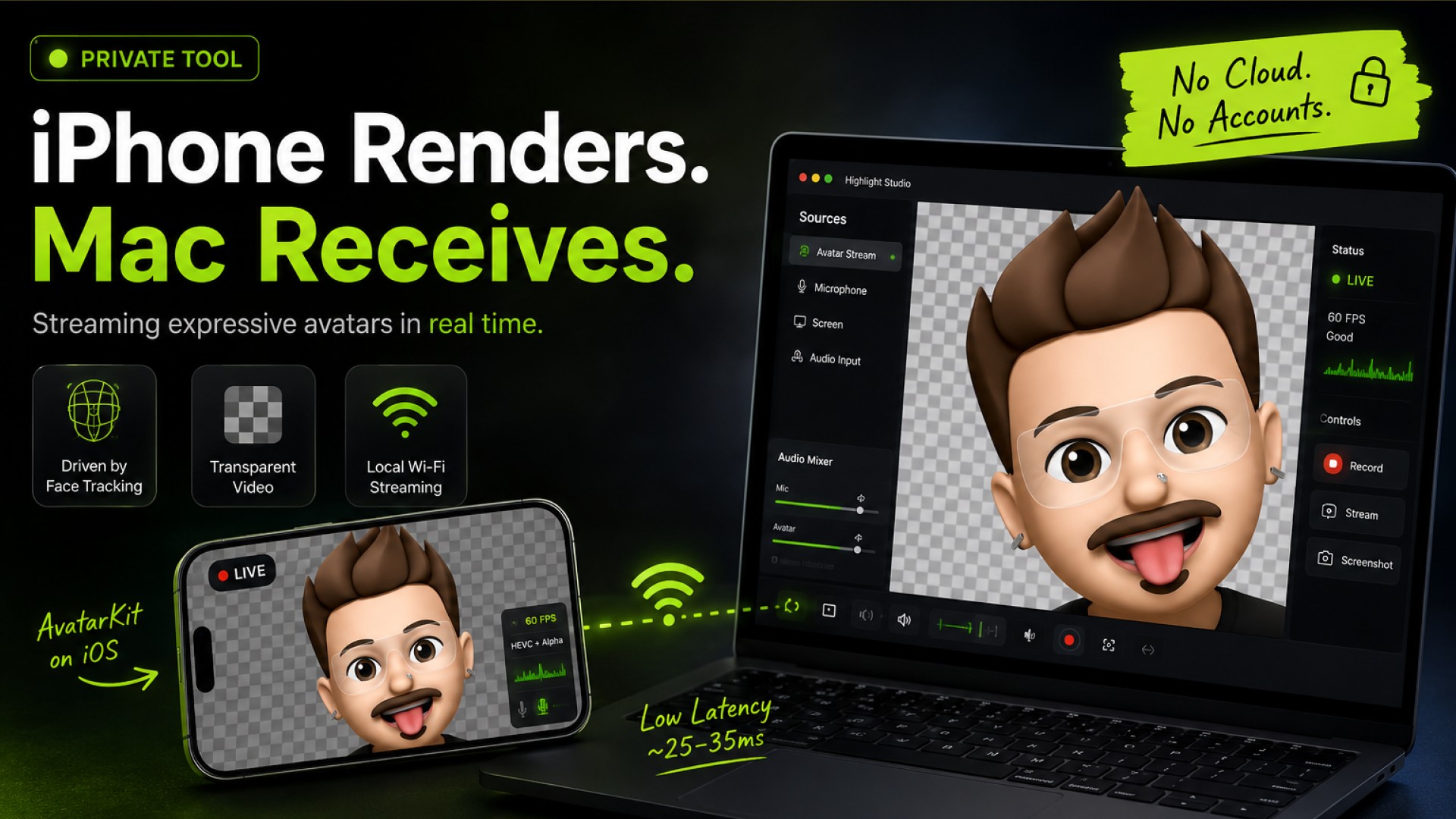
AvatarKit is one of those Apple frameworks you can feel but not touch. It's the system that drives the expressive face avatars used inside Messages and FaceTime — the rigs, the blendshape mapping, the rendering. It lives on iOS. It has no public API. There is no macOS counterpart.
I wanted those avatars in a screen recording on my Mac. So I spent a weekend building a small side project around the obvious workaround: render the avatar where AvatarKit actually exists, then stream the result to where I want it.
This is a write-up of how it ended up, what the interesting parts were, and where the cliff is.
The constraint, stated honestly
AvatarKit is private. Linking it from an App Store app gets you rejected; Apple has been consistent about that. So nothing built on top of it is going to ship through the Mac App Store, and probably not through TestFlight either. This is a personal-tooling project. I am OK with that — the point was to see whether the pattern (iPhone as a rendering peer for a Mac app) was clean enough to be worth keeping in my back pocket.
Spoiler: it is. The avatar use case is the excuse, not the lesson.
Shape of the thing
Two binaries, one cable made of Wi‑Fi:
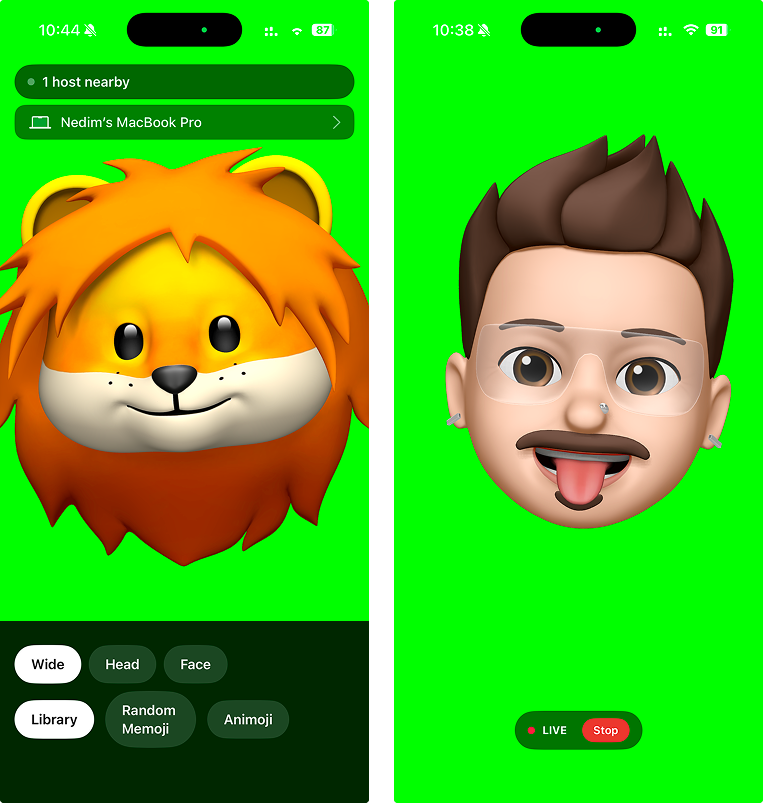
An iOS app that runs the avatar and emits transparent video plus mic audio.
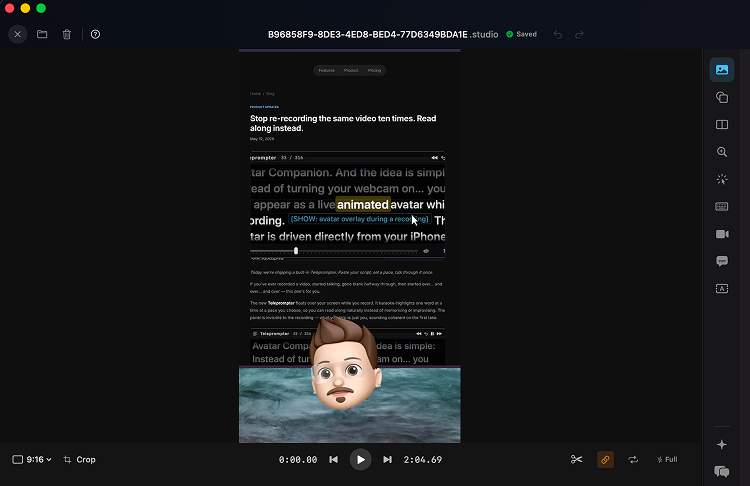
A macOS receiver that decodes the stream and hands frames to whatever wants them — in my case, a screencasting tool I'm working on.
No accounts. No cloud. No pairing UI beyond Bonjour discovery on the same network. The pair sees each other within a second of both apps being open.
The iOS side
The interesting code is here, and it's smaller than I expected. Three pieces.
1. Drive the avatar with ARKit. ARKit's ARFaceTrackingConfiguration publishes a stream of blendshape coefficients each frame — jawOpen, eyeBlinkLeft, mouthSmileRight, the full set. This signal is exactly what AvatarKit's rigs consume internally. You don't need to know the rigging math; you just hand the coefficients to the rig and the system renders the face.
2. Render through AvatarKit. The runtime expects a render target. Give it one, and out comes the same character you'd see in Messages — same rig, same shading, same animation curves. Reimplementing this from scratch would be a year-long project. Letting the system do it is roughly fifty lines.
3. Capture frames with alpha. Each rendered frame leaves the render target with its alpha channel intact. That matters: it means the receiver never has to chroma-key, doesn't have to guess about background colour, doesn't have to deal with edge halos. The avatar arrives on the Mac on a transparent background, ready to composite directly.
From there, the captured frames go straight into VTCompressionSession using HEVC with the alpha attachment. Modern iPhones do this in hardware; CPU cost is negligible. End-to-end on an iPhone 14, my measured glass-to-encoder latency was around 25–35 ms.
The wire
This took the least time and ended up the part I'm happiest about. Bonjour service type, one TCP connection per session, length-prefixed packets carrying typed messages. A session_start header up front (orientation, codec hints, protocol version), then interleaved video and audio samples for the lifetime of the connection.
The framing is intentionally boring. Two reasons:
I want to be able to read a hex dump and know exactly where I am in the stream when something goes wrong.
I want older companion builds to still talk to newer receivers (and vice versa) without ceremony. The protocol version in
session_startis the entire negotiation.
No WebRTC. No SDP. No ICE. Locally, on a single Wi‑Fi network, TCP is fine and it kept the implementation tractable for one person on a weekend.
The macOS side
A small NWListener accepts the connection, the packet reader unframes messages, and HEVC samples go into VTDecompressionSession. Decoded CMSampleBuffers come out the other side and get published on a Combine subject. Multiple subscribers can attach: in my case, one for the live recording pipeline and one for a debug preview window that I keep open during development.
Because the frames are already transparent, none of the downstream code has to special-case them. They flow through the same compositing path as a regular webcam feed. That symmetry was the moment the project stopped feeling like a hack.
What this is really about
The avatar feature is fun, but the pattern is what I'd actually like other people to take from this. There are a lot of frameworks Apple ships on one platform and not another. AvatarKit. RoomPlan in its richer modes. Certain neural-engine fast paths. The reflex is to either (a) wait for parity that may never come, or (b) reimplement, badly.
Treating the iPhone as a rendering peer — a co-processor your Mac dials into when it needs something iOS-specific — is a third option, and the cost is much lower than I expected. Bonjour gives you discovery. HEVC-with-Alpha gives you a transmission format with no gnarly compositing problems on the other side. TCP keeps the protocol code small. The phone is already in the room, already charged, already on the same Wi‑Fi.
I'd happily use this pattern again for non-avatar things. If you build anything where "ah but it's iOS-only" was the deal-breaker, it's worth asking how much would actually be solved by a 30 ms hop to a phone on your desk.
What didn't make it
A few dead ends, briefly, in case they save someone an evening:
Multipeer Connectivity. Works. Adds a layer of abstraction you don't need on a single-network setup, and the framing is opaque, which is exactly the part you want visibility into when debugging.
Chroma key as a fallback. Worked acceptably on older devices that don't do HEVC-with-Alpha in hardware. Edge artefacts around fast head motion were never quite right. I left the path in but stopped recommending it.
USB tethering for lower latency. Marginal improvement (a few ms) at the cost of forcing the user to plug in a cable. Not worth it; Wi‑Fi latency is already inside the perceptual threshold for a talking head overlay.
Where it sits now
Working, used daily as a personal tool, behind a debug flag in the Mac app it talks to. It won't ship to end users in its current form for the App Store reasons mentioned above. If Apple ever publishes an equivalent surface — or if the calculus on private frameworks shifts — the wire format and the receiver are stable enough to drop into a public build the same day.
Until then, it's a nice reminder that the device sitting next to your keyboard is a perfectly good rendering peer.
engineering · ios · macos · avatarkit · arkit · bonjour · hevc · side-project